
From your workspace to your pocket
A little violet. Everywhere you go.
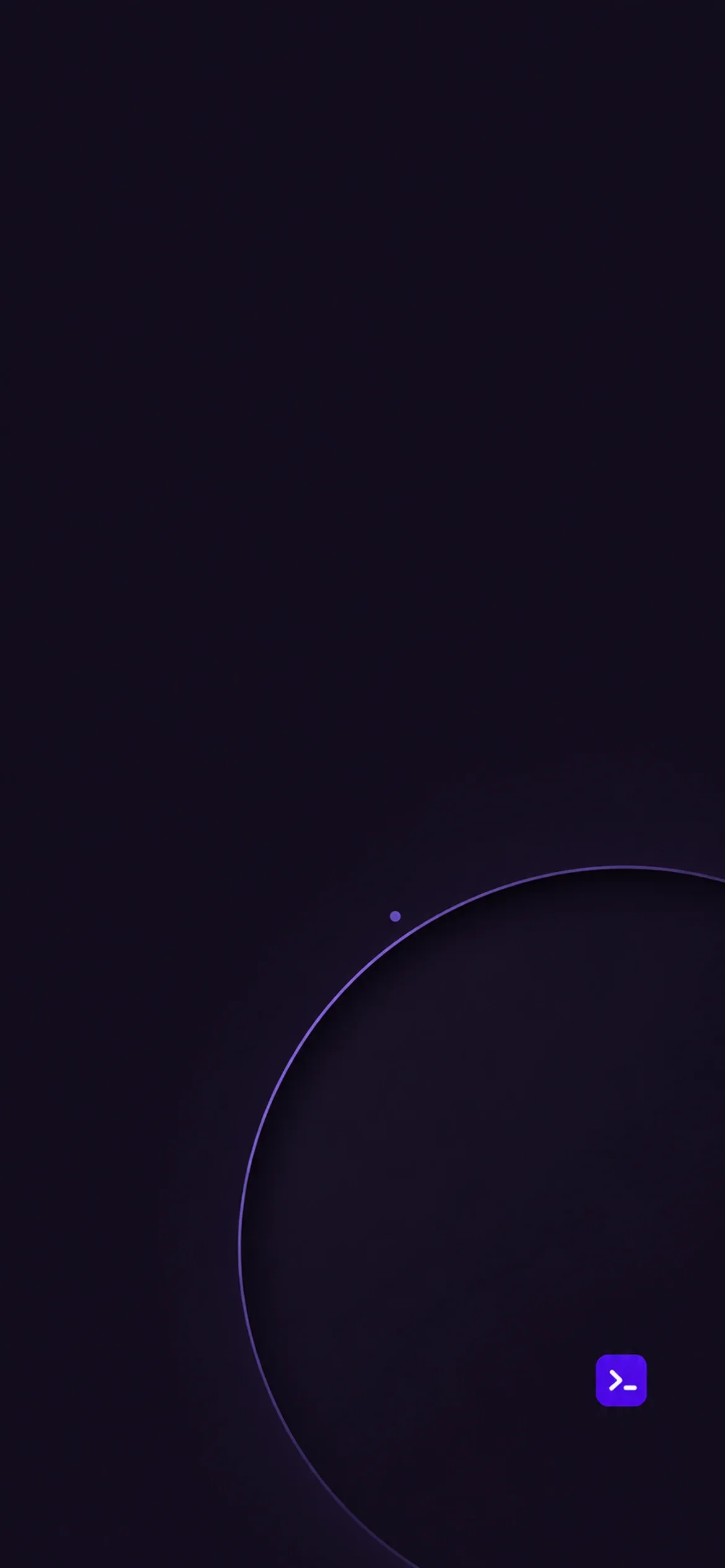
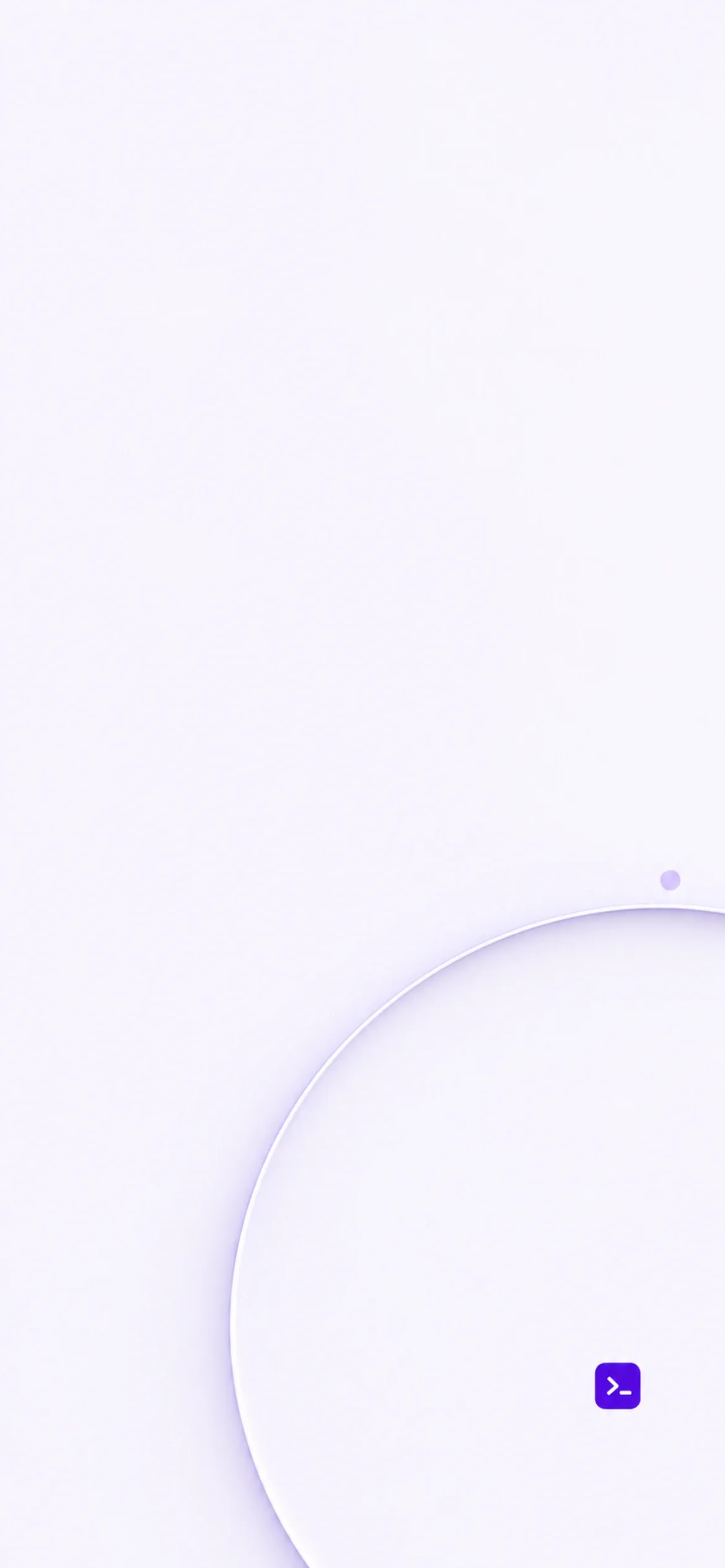
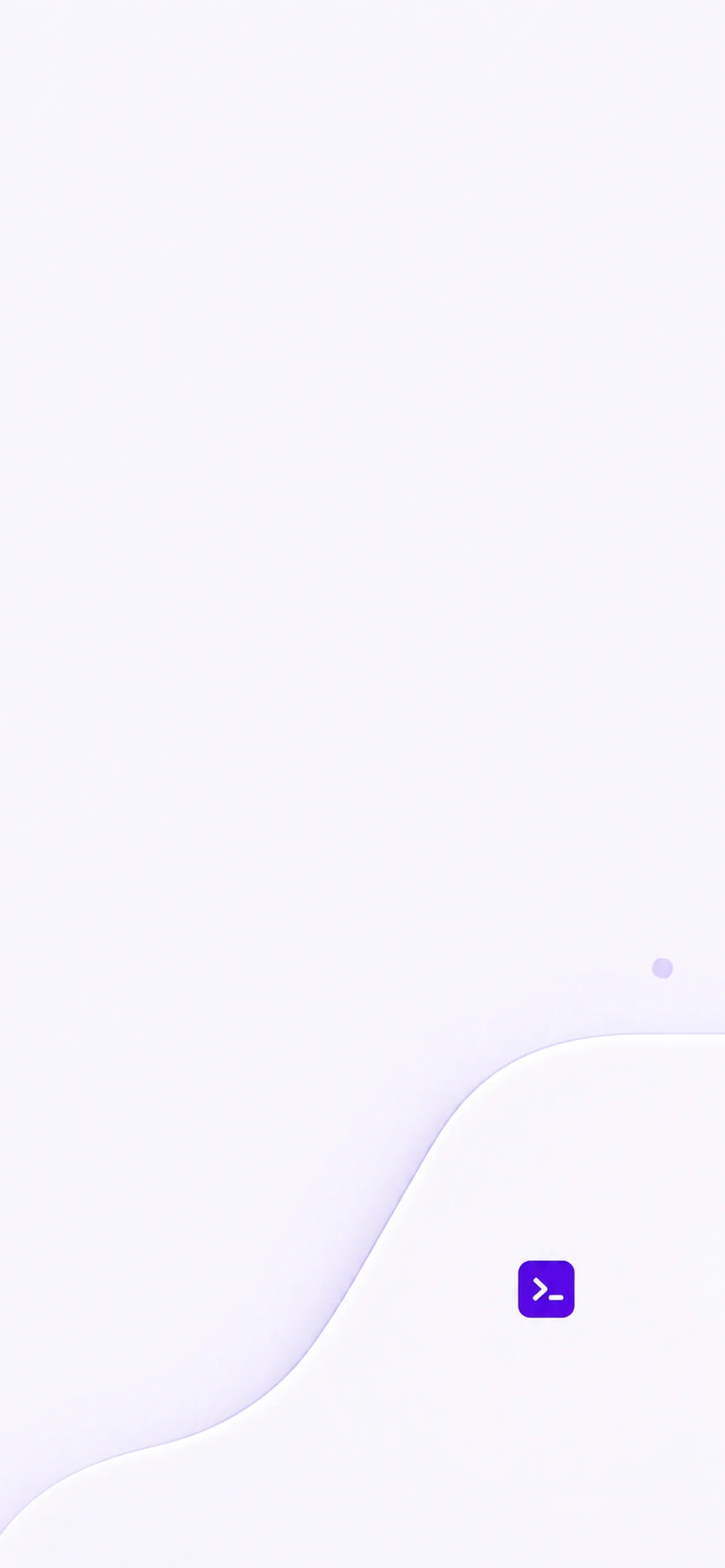
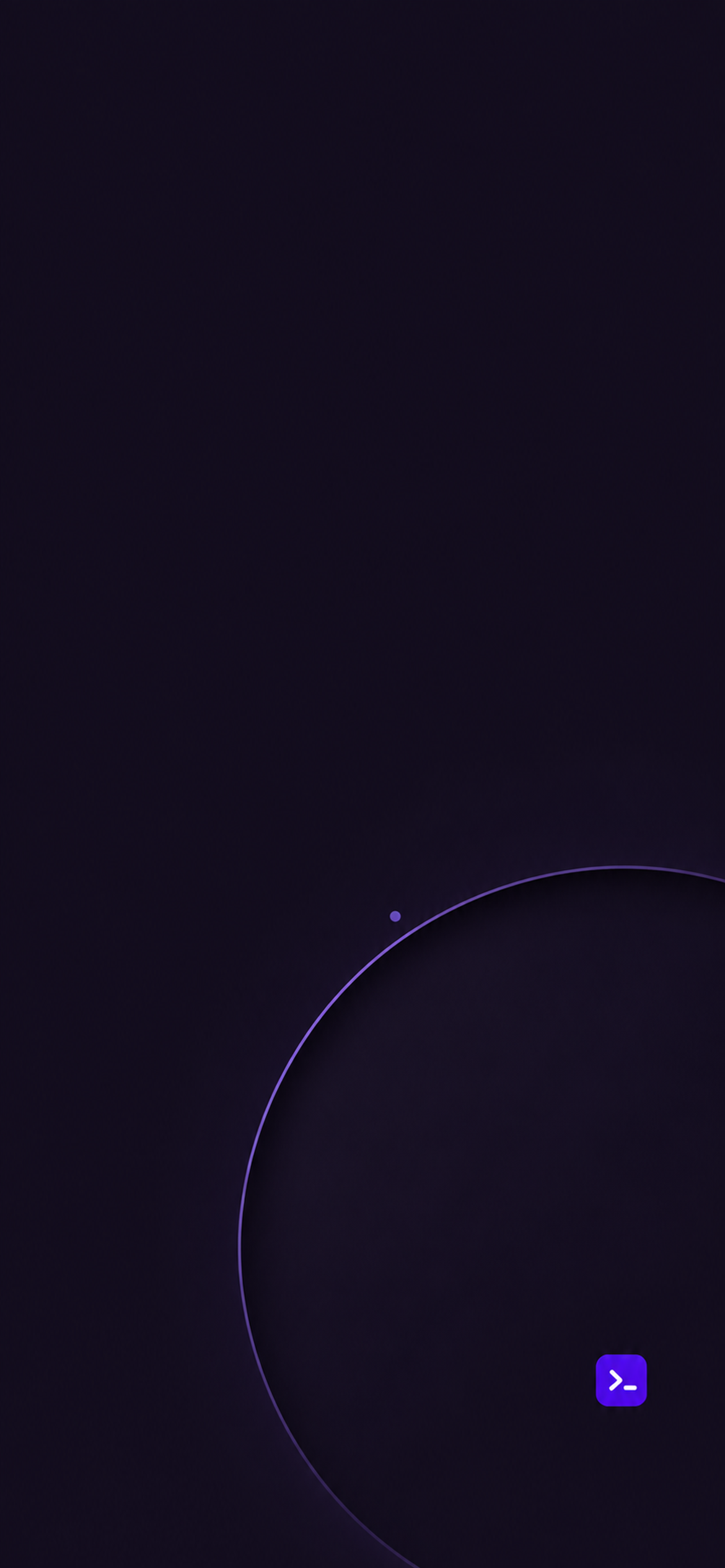
Halo for your Lock Screen. Contour for your Home Screen. A quiet pair of wallpapers, with room for the things you reach for every day.
No app or configuration profile required.

Make it yours
Two screens. One calm pairing.
Save the images
Download the ZIP, tap it in Files to extract it, then open each PNG and choose Share → Save Image. Individual files are also available below.
Start with Halo
Open Settings → Wallpaper → Add New Wallpaper → Photos. Choose Halo, adjust the crop to keep the detail below your clock, and choose a readable clock color.
Pair it with Contour
Tap Add → Customize Home Screen and choose the matching Contour image. Adjust Blur to your preference, then tap Done.
Add a violet tint
On iOS 18 or later, hold the Home Screen, choose Edit → Customize → Tinted, and sample violet from the wallpaper with the eyedropper. Adjust saturation until your icons stay easy to recognize.
Choose your appearance
Each image is a 1170 × 2532 PNG, resized from the original raster artwork. Adjust the crop on other iPhone sizes.
Dark pair

Light pair
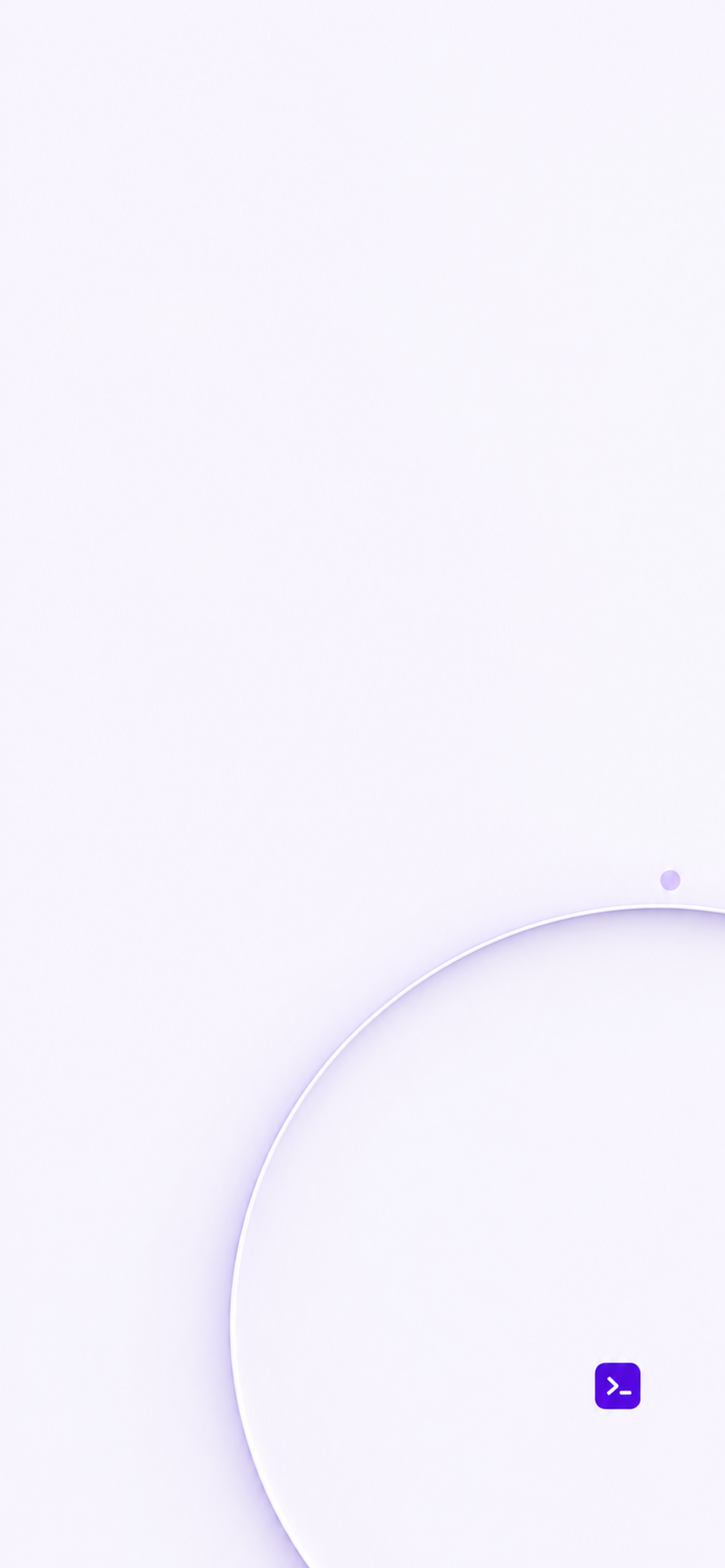
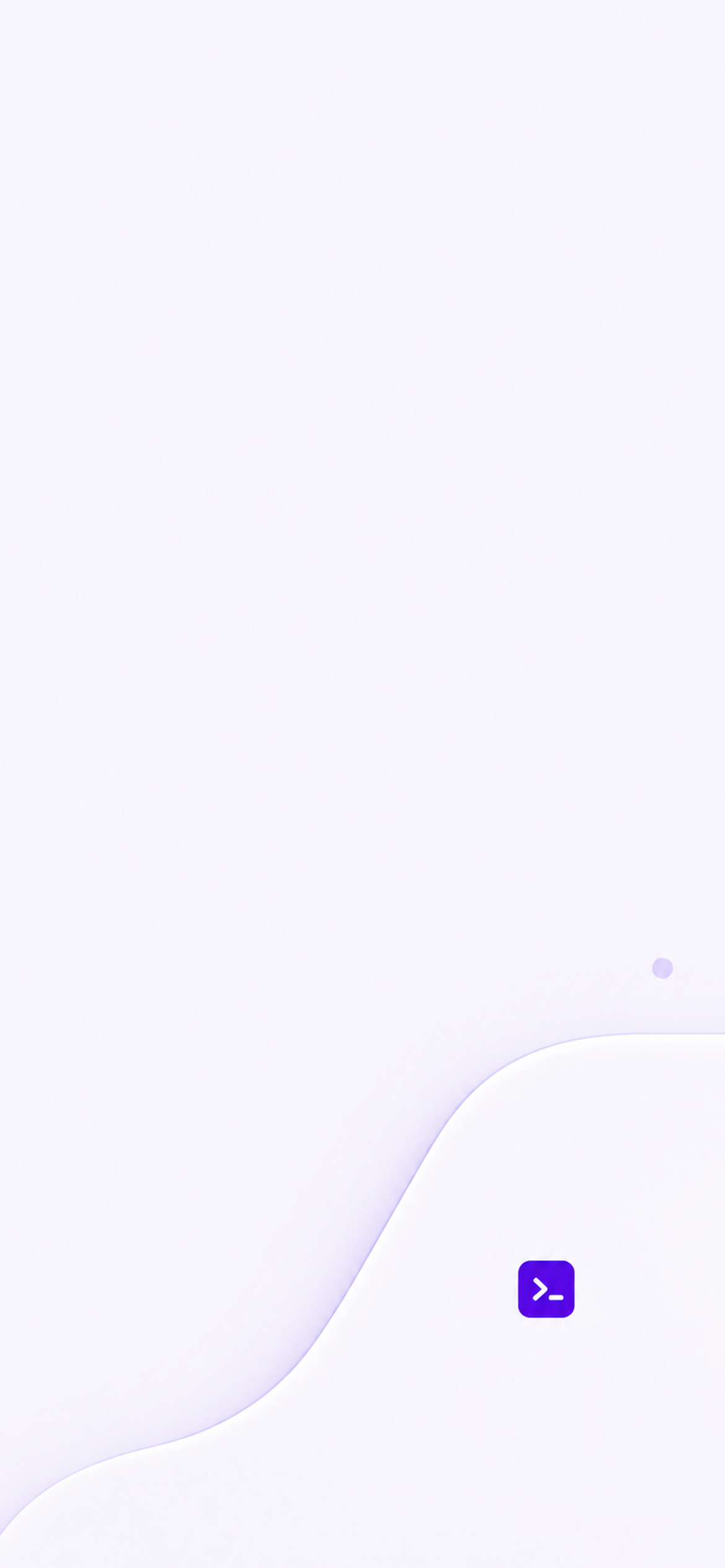
Save both wallpaper pairs, then use Shortcuts to switch at sunrise and sunset. Auto icon appearance does not switch these wallpaper files.
Your phone, your choices
A setup you can change at any time.
Keep your own widgets
Add the widgets you already use. You can optionally link the saved Lock Screen to a Focus. This pack supplies wallpaper artwork and tinting guidance; apps keep their own interfaces, while iOS applies the icon tint.
Return to your previous look
Keep your old wallpaper pair until you are happy. Select it again from the Lock Screen gallery and restore your preferred icon appearance whenever you want.